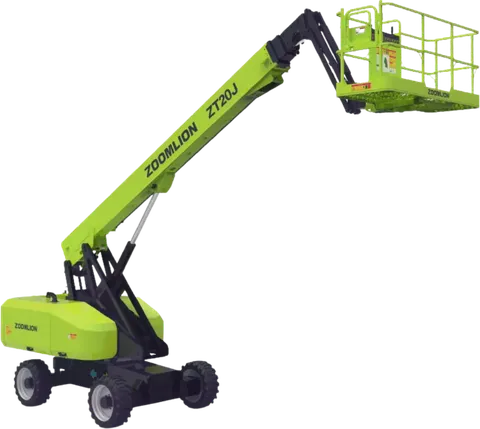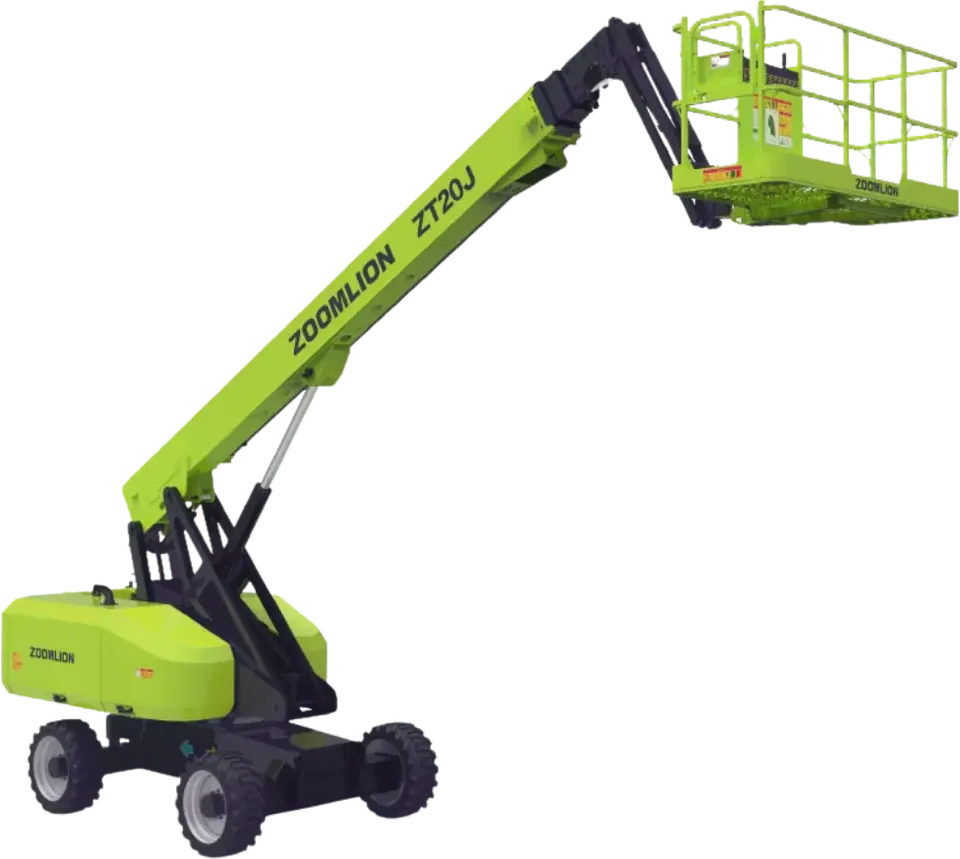
This guide is for the site manager or customer whose rented machine has just stopped, stalled or shown a fault. The first half is a rented equipment breakdown sequence you can follow on site, one step at a time. The second half covers what should have been agreed at hire, such as downtime, replacement and repair cost, so you can use it again when you plan the next rental.
What do you do in the first minutes after a rented equipment breakdown?
Make the machine and the area safe before you think about the fault. The order matters because a stopped machine can still be unsafe: it may hold a raised load, stored hydraulic pressure or a leak.
Watch out. Fire, smoke, a fuel or oil spill, or contact with a power line is an emergency. Follow the site emergency procedure and call the emergency services first. Do not treat it as a fault report.
- Stop work and move the operator and nearby workers to safety. The operator stays near the machine only if that is safe.
- Lower the boom, bucket or forks to the ground only where this is possible and safe. If it is not, leave the attachment and keep people clear.
- Apply the parking brake.
- Switch off and isolate the machine as the manual describes, and remove the key.
- Keep people and vehicles away. Mark the area if the machine blocks a route, and tag the machine as out of service.
Watch out. A machine that stopped under load, or with the load or operator at height, needs a plan before anyone moves it. Do not try to lower or release it by improvising. Call the supplier and, if lifting is involved, the person responsible for the lift.
What should you record before anything is touched or moved?
Record while the details are fresh. This record helps the supplier diagnose the fault and protects both sides if a question comes up later about what happened.
- Date and time of the stop.
- The hour-meter reading, if the machine has one.
- What the machine was doing: digging, lifting, travelling, idling, running a load.
- Any warning light, message or noise before the stop, and what the operator felt.
- The operator's name and the site location.
- Photos of the fault, the warning panel, the hour meter and the surroundings.
Write it down or send yourself a message as you go. Memory is unreliable after the first hour, especially with several people on site. Do not move the machine to clear the way until you have the photos, unless safety requires it.
How and what do you report to the supplier?
Report at once through the contact route agreed at hire. Phone first, then confirm in writing so there is a time-stamped message. If you only have a general office number, ask for the fault or breakdown line.
Your message should include:
- The machine identification: make, model and serial or fleet number.
- The exact site location, ideally a map pin.
- Your record from the step above, with the photos.
- Whether the machine is safe and secured, and whether it is blocking other work.
- A site contact who will answer the phone.
A weak report says, "The machine is not working." A useful one reads like this example: "Excavator, fleet number 14. Stopped at 10:20 while trenching, red hydraulic warning, hour meter 3,412. Parked, isolated and tagged at the pinned location. Call the site contact."
The supplier then decides the next step: remote advice, a technician visit, or a replacement machine. Follow that decision and note the name of the person who gave it, and the time.
Should you try to fix it yourself?
Usually not. Do not repair the machine, and do not tamper with safety systems, hydraulics or electrical systems. A bypassed safety device or a loosened hydraulic fitting can turn a stopped machine into an injury.
Routine operator checks are different, such as looking at fluid levels or the fuel gauge. Do them only if the manual or the supplier allows them for an operator. Do not replace fuses, reset faults repeatedly or restart the machine to see what happens. If you are not sure, ask the supplier before you touch anything, and tell them what you did.
Tip. A good daily check catches many faults before they become a stop. See the daily walk-around inspection and defect reporting guide.
How do you tell wear and tear from damage, and why does it matter?
It matters because it often decides who bears the cost. A breakdown from normal use is commonly treated as the supplier's side, while damage from misuse, overload or an accident may be charged to the customer. Consumable wear parts, such as tyres or bucket teeth, are often handled separately. The exact split depends on the agreement, so what was written at hire is what counts.
| Situation | Typical view | What helps |
|---|---|---|
| Part fails during normal work | Often treated as wear and tear | Service record, hour-meter reading |
| Machine overloaded or misused | May be charged to the customer | Operator briefing, load information |
| Impact, rollover or collision | Usually treated as damage | Photos, incident notes |
| Fault already present on arrival | Judged against the condition at handover | Arrival checklist and photos |
The last row is why the handover, arrival and return checklist is worth doing. Insurance questions are covered separately in insurance questions to settle before a machine arrives.
What happens to the rental during downtime, and what about a replacement machine?
There is no default answer. Whether the rental charge pauses while the machine is down, how quickly a replacement is sent, and who pays to transport a replacement are terms to settle in the contract before the machine arrives, not after it fails. Do not assume the supplier must replace the machine or stop the rate.
Ask the supplier, and write the answers into the agreement:
- Does the charge stop during downtime? From when, and until when?
- Is a replacement offered? Of the same model, or a similar one?
- Who pays to transport the replacement, and to take the broken machine away?
- Who is the contact for faults, and how do you reach them outside normal hours?
- What does the supplier need from you to treat a stop as a fault and not as damage?
The equipment rental contract checklist lists these and other terms to agree.
How can you plan for a breakdown before it happens?
This section is about choosing a supplier. For the full list of contract terms, use the contract checklist above.
- Ask each supplier about their response arrangements for faults, not just their rate.
- Keep the supplier's fault contact in the site file and with the site manager.
- Make sure the operator knows who to call and what to record.
- For critical work, such as a pour that cannot stop or a lift with a fixed window, consider whether a back-up machine is needed.
- Compare quotes on the same terms, including what happens during downtime. See how to compare equipment rental quotes on the same terms.
Note. Requirements differ by project, site owner, municipality and insurer. Confirm them before the machine is mobilised.
How to do this on Maedah
When you post a request, put the machine, quantity, city, site and dates in once. Mention in the request details that you want each supplier's fault contact, downtime and replacement terms. If a quote does not cover them, ask in the chat tied to that quote. Quotes come back sealed and line up side by side, so you can compare the answers next to what is included.
Agree the final terms with the supplier in the quote chat and keep them in writing. Maedah does not process payments, so payment and downtime terms are agreed between you and the supplier. For machine types, see excavation equipment, lifting equipment and power equipment.