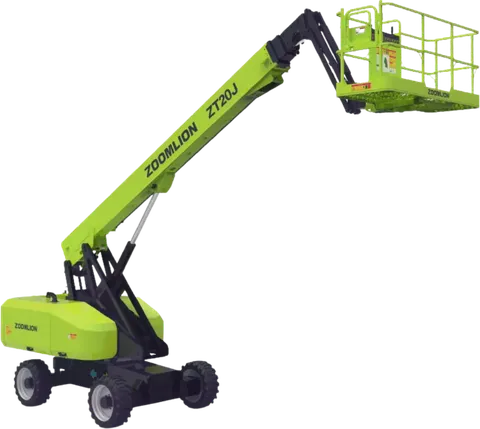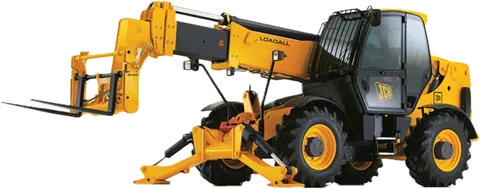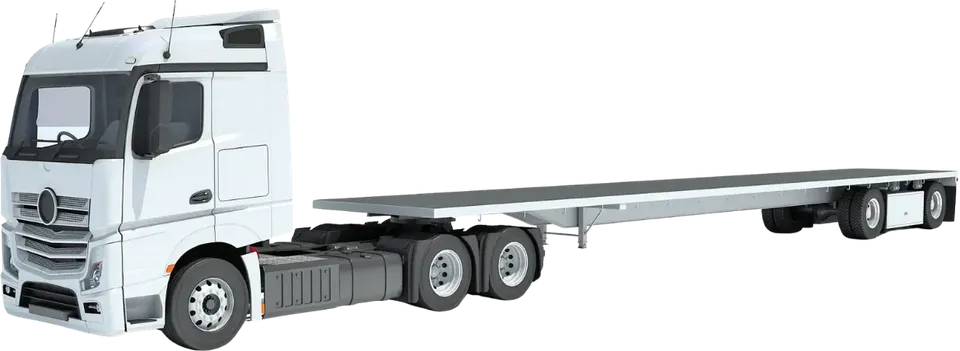
You have a machine in the yard and a phone in your hand, and the listing goes live today. This guide is for suppliers and yard managers who need heavy equipment photos for listing that answer a customer's questions before they ask. Follow the frames in order, once per machine. Each one proves something a buyer or hirer cannot check from a screen.
Why do photos decide whether a customer contacts you?
A customer cannot walk around your machine. The photos are the walk-around. They look for three things: is this the machine I need, is it in the condition you say, and can I trust the person who listed it.
Specs and rates answer the first question only. Photos answer the other two. With a few blurry pictures, the customer has to guess, and a guess is a reason to ask someone else.
What do you need before you start?
Three things: a clean machine, good light and space. Do this prep first, because you cannot fix it later in the photo.
- Wash the machine. Clean paint shows cracks, leaks and weld repairs honestly. A muddy machine hides them and looks neglected. Wash the way the operator's manual allows, keep water off electrical connectors and the instrument panel, and never touch up paint to hide a defect.
- Clear the area. Move other machines, vehicles, drums and rubbish out of the background. Pick a spot on level ground with an uncluttered background.
- Choose your light. Early morning or late afternoon light avoids the harsh glare and hard shadows of midday sun. In the Saudi summer it also keeps you off hot metal.
- Park and shut down. Park the machine on level ground, lower any boom, mast or forks, apply the parking brake and switch off. Photograph from outside its working area.
- Hold the phone in landscape. Put the whole machine in the frame without cropping it. Check each picture at phone-screen size before you move on.
Watch out. Never stand or place anyone under a raised boom, mast or load to take a photo. Photograph from a safe distance with the machine parked and shut down.
The core shot list: what to photograph on every machine
These twelve frames suit most machines. Frames 8 to 11 use excavator wording, so forklift and crane owners should use the equivalents listed under the table. Frame 1 is the cover picture customers see first, so choose the cleanest true view of the whole machine. Stand back and zoom in slightly, rather than standing close with a wide view. A close wide shot distorts the shape and makes parts look larger or smaller than they are.
| # | Frame (excavator wording) | What it proves |
|---|---|---|
| 1 | Front three-quarter view, whole machine | This is the real machine, and its general condition |
| 2 | Rear three-quarter view, whole machine | Nothing is hidden on the other side |
| 3 | Full side profile | Size, shape and attachments fitted |
| 4 | Cab or operator station | Seat, controls, glass and floor are in the condition you say |
| 5 | Instrument panel with the hour meter reading | The hours match the listing. Make the digits readable |
| 6 | Engine bay, open once the engine is cool | Cleanliness, leaks, hoses and belts |
| 7 | Identification plate | Make, model and serial number match the machine |
| 8 | Tracks or tyres | Wear on parts that are costly to replace |
| 9 | Working tool: bucket teeth, forks or hook | Wear at the point that touches the work |
| 10 | Boom and arm pins | Visible wear, damage and grease at the joints |
| 11 | Hydraulic cylinders and hoses | Visible leaks, scoring and cracked hoses |
| 12 | Any damage or repair, close up | You are open about problems, so customers believe the rest |
For frame 5, a meter that needs power may need the key turned to the on position. Do not start the engine or move any control. If the meter does not show, ask a mechanic before you list the machine. If it has ever been replaced, say so in the listing. Some cranes have two hour meters, one for the carrier and one for the crane engine. Photograph both and label them in the listing.
Equivalents for frames 8 to 11:
- Forklift: tyres, forks, mast chains and rollers, lift cylinders.
- Crane: outriggers or tracks, hook block, boom sections, cylinders.
For frame 7, make sure the plate is clean and the light does not reflect off it. Check that you can read every character on your screen. If the plate is missing or unreadable, say so in the listing instead of leaving the frame out. The full list of what belongs in the listing besides photos is in equipment listing specs and documents.
Extra shots by machine type
The core frames are the same for every machine. These extras cover what a customer of each type asks about next.
| Machine | Extra frames |
|---|---|
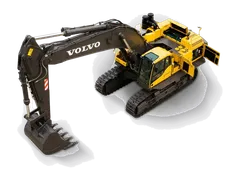
| Excavators | The bucket, and each attachment on its own (breaker, auger, quick hitch). The undercarriage: track links, rollers, sprockets. The boom and arm with their cylinders |
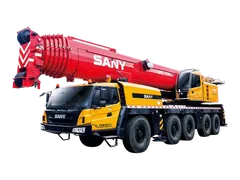
| Cranes | The boom fully retracted. The outriggers, or the crawler tracks. The load-chart plate, readable. The hook block and its safety latch |
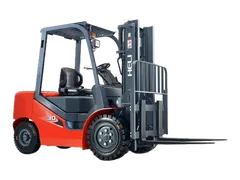
| Forklifts | The mast with the forks lowered. The capacity plate. All the tyres. The overhead guard |
A few reasons these matter:
- A loose attachment photographed alone shows its own wear and tells the customer exactly what comes with the machine.
- A crane's load-chart plate gives a hirer the capacity information. The lift itself is still planned against the manufacturer's chart for the exact configuration; see how to read a crane load chart. A crane with a missing or unreadable chart should be sorted out before you list it, or the gap stated plainly. Deploy outriggers for a photo only with a trained operator and a clear area.
- A forklift's capacity plate shows its rated capacity, which depends on the load centre and any attachment fitted (forklift capacity and load centre explained). Lowered forks keep the picture safe and clear.
Which photos prove condition and honesty?
Customers expect a used machine to match its description, not to look new. The photos that earn trust are the ones a seller might skip: hour meter, plate and worn parts.
A listing that shows the worn parts as well as the good ones reads as honest. A listing that shows only the cleanest corner raises questions.
Do not stop at the photo. Say in the description what it shows, for example "teeth about half worn". Documents such as inspection certificates are a separate job. Our guide on selling a used heavy machine covers the full process.
Tip. Before photographing, do a daily walk-around inspection. You will spot a leak or damage before the customer does, and you will know which close-ups to take.
Common photo mistakes and how to fix them
Wash, light and framing mistakes are covered in the prep steps above. These are the other four.
| Mistake | Why customers distrust it | Fix |
|---|---|---|
| Stock image, or a photo of a similar machine | The customer expects a different machine, and disputes can start at delivery | Photograph the actual machine on offer |
| Only the best side | The customer assumes the other side is damaged | Add rear three-quarter and both side views |
| Phone numbers, watermarks or banners | Pushes contact outside the platform and covers the machine | Leave the picture clean |
| Old photos after a repair or new attachment | Picture and machine no longer match | Retake the affected frames |
How to do this on Maedah
Your photos appear on your listing next to the specs, rates and city, and customers can browse them as guests without an account. Customers judge the supplier by the listing, so keep your photos current and retake frames when something changes.
Customers who do not find the right machine can post a request for the machine, city and dates. For more on turning listings into enquiries, read how to get rental enquiries as an equipment owner.